Troubleshooting · a guide, not a sales page
How to program a garage door remote
Pairing a remote takes about a minute once you know two things: where the learn button is, and which radio system your opener uses. The second is what decides whether the remote in your hand can ever work with it.
The short answer
Programming a remote: the short answer
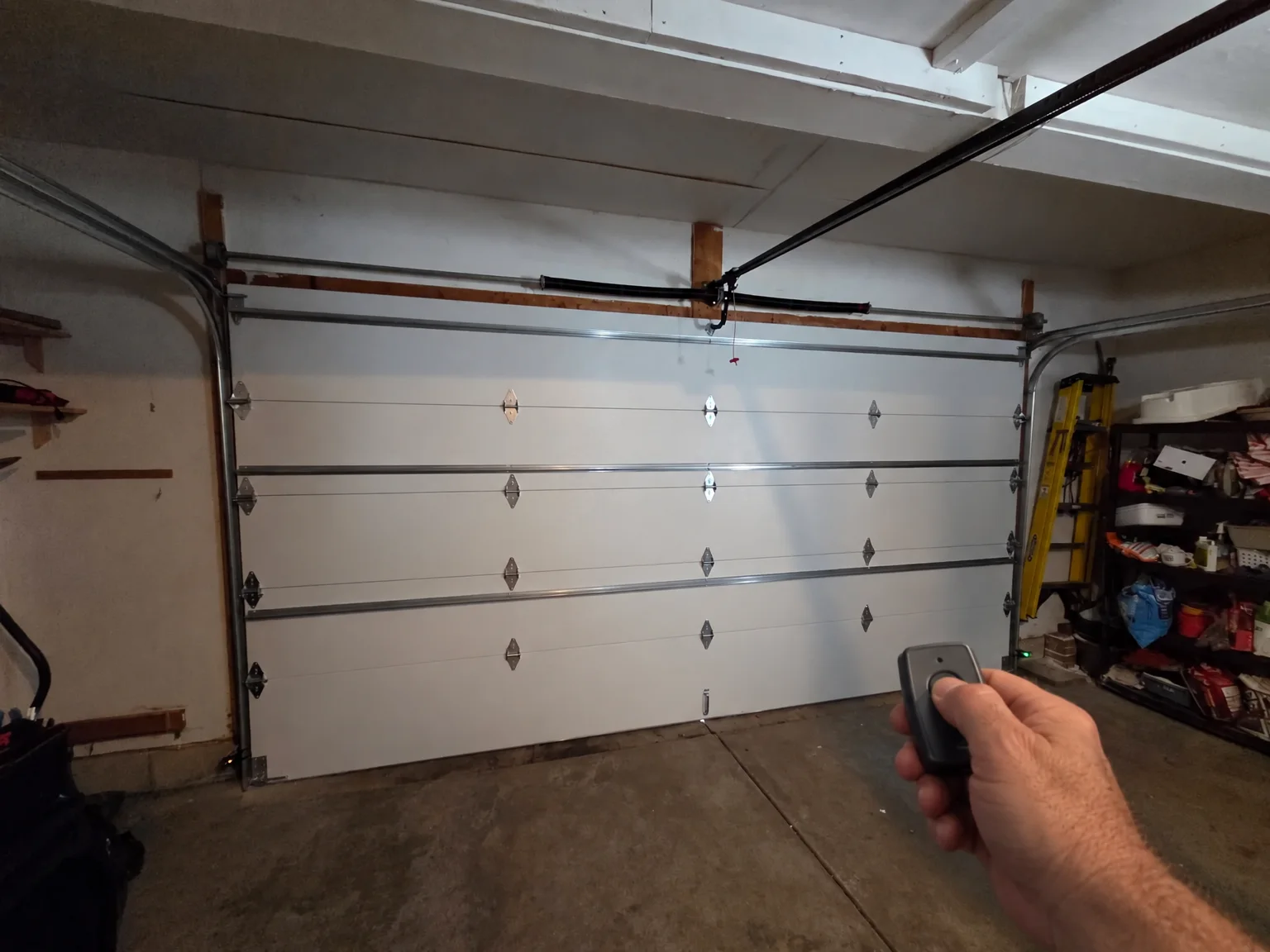
Find the learn or program button on the back or side of the motor unit, press it once, then press the button on the remote you want to pair. Most openers confirm with a click or a light.
If nothing pairs, the usual reason is compatibility rather than technique. On a LiftMaster or a Chamberlain the color of that learn button identifies the radio technology the opener uses, and a remote built for a different one will never learn.
What you need before you start
- The model number On a label on the back or side of the motor unit. A photograph of it answers most compatibility questions.
- The learn or program button On the opener head, often under the light lens or beside the antenna wire, not on the wall console.
- Its color, on a LiftMaster or Chamberlain The color is the maker’s own shorthand for which radio system the unit uses — a yellow round button marks the current one.
- A working ladder, and a spotter The opener is at ceiling height. This is the part of the job that actually hurts people.
- A fresh battery in the remote A weak battery pairs and then fails at the far end of the drive.
The pairing itself
The sequence is the same in shape on nearly every residential opener: put the opener into learning mode, then tell it which button to listen to.
- Press the learn button once An indicator lights or a tone sounds. You now have a short window — usually seconds, not minutes.
- Press the remote button Once, firmly, standing near the opener. Hold it a second.
- Wait for the confirmation A click from the unit, the light flashing, or the door twitching.
- Test it from the driveway Range is part of the job. A remote that works under the motor and not from the car has a battery or an antenna problem.
- Repeat for each control Every remote, every keypad, every button in a car is taught separately.
A keypad outside the door is the same idea with a code: put the opener into learning mode, then enter the code you have chosen followed by the enter key.
Free Estimates
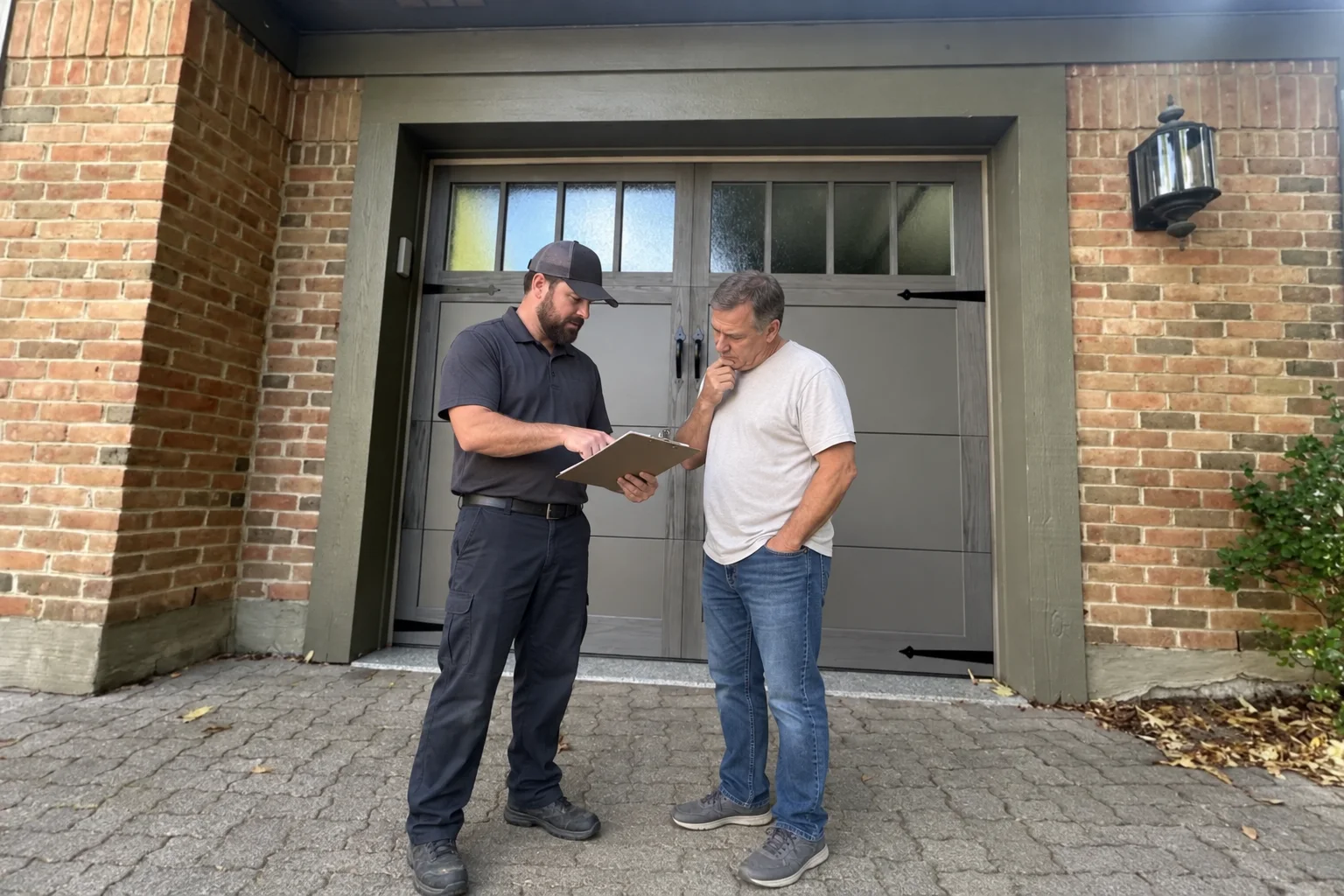
5-Year Warranty on All Parts & Labor.Five years on parts and labor, every repair and every install. We look at the door with you first, and nothing starts until you approve the number.
When it will not pair at all
This is where most of the wasted money in this subject goes, so it is worth slowing down.
- Wrong radio system. The learn button’s color on a LiftMaster or a Chamberlain tells you which one the opener speaks; a remote for another will not learn, however many times you try.
- A full memory. Some openers hold a fixed number of controls and silently ignore the next one. Clearing the memory and re-pairing what you actually use solves that.
- A rolling code out of step. A Genie chooses a new code on every press by design, which is why an old remote so often needs pairing again rather than replacing.
- A rebadged opener. Chamberlain Group’s support site also covers openers sold under other names — Moore-O-Matic, Guardian, Master Mechanic, Ryobi and several more — so an old unit is often better supported than its badge suggests.
- A dead or locked opener. If the wall console does nothing either, the problem is not the remote.
Cars, apps and the things in between
Buttons built into a car mirror or headliner are taught from the opener in the same way, though some need a step at the car as well as at the ceiling. The car maker’s instructions govern that half, and Genie publishes its own page for it.
An app is a different animal: it talks to the opener over your home network rather than by radio, so its problems are network problems. When an app has stopped and the remotes still work, nothing is broken on the door — the guide to that is the myQ checklist.
Whatever the control, we check the pairing, the opener and the door before anybody buys a part.
Free Estimates · a person answers 24/7
5-Year Warranty on All Parts & Labor.Five years on parts and labor, every repair and every install. Call, or send the form and a person calls you back.
Sources
- LiftMaster — finding an opener’s technology from the color of its antenna or learn button
- Chamberlain Group — LiftMaster, Chamberlain and myQ support
- The Genie Company — Intellicode rolling-code technology
All sources read . Linked so you can check them rather than take our word for it.
Written from the manufacturers’ own published guidance — every source is linked above.
Related reading
Where this goes next.
What you can count on
- Same-day service on most repairs.
- Upfront pricing. The price is on the estimate you approve before work starts, and the invoice matches it.
Straight answers
Questions people ask about this.
Is my remote broken, or is it the opener?
Where is the learn button?
Can I use any remote from a hardware store?
My car button has stopped but the remote works
Describe it however makes sense to you
Read enough? Tell us about the door.
However you describe it is enough — no part names needed. The visit and the written estimate cost you nothing, and nothing starts until you approve the number.
- However you describe it is enough. No part names needed.
- The written estimate is free. Nothing owed if you pass.
- Nobody starts the repair until you approve the number.
Calls Answered 24/7
One call, and the door problem becomes ours.
A person answers 24/7. We look at the door with you first, and the written estimate comes before the work.